ThermoPro TP50: reading the climate without an app
A thermometer and hygrometer showing temperature and humidity on a large display, with no connection and no history — seeing it at a glance is enough.
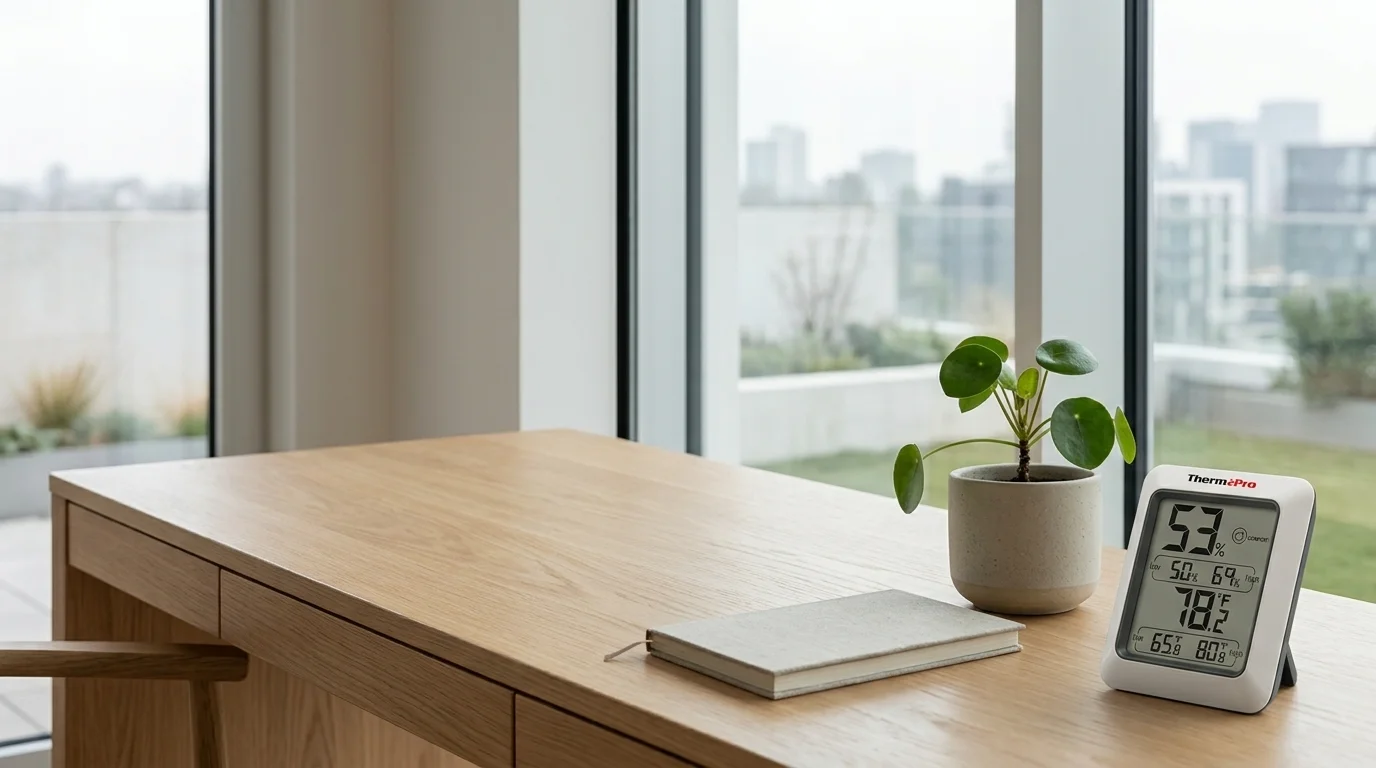
A room's climate changes all the time: temperature rises with the sun, humidity shifts when you cook or air the room. We rarely look at it. When we want to, today's usual answer is a connected sensor that sends data to a phone. But there is a more direct route: a screen in the room showing the value now, with no app in between. That is what this article is about.
The climate we don't look at
We notice a room's climate vaguely —"it's hot", "it's stuffy"— but we rarely put numbers to it. Temperature and humidity move through the day without our attention. Seeing them doesn't change everything, but it turns a diffuse sensation into something concrete you can observe.
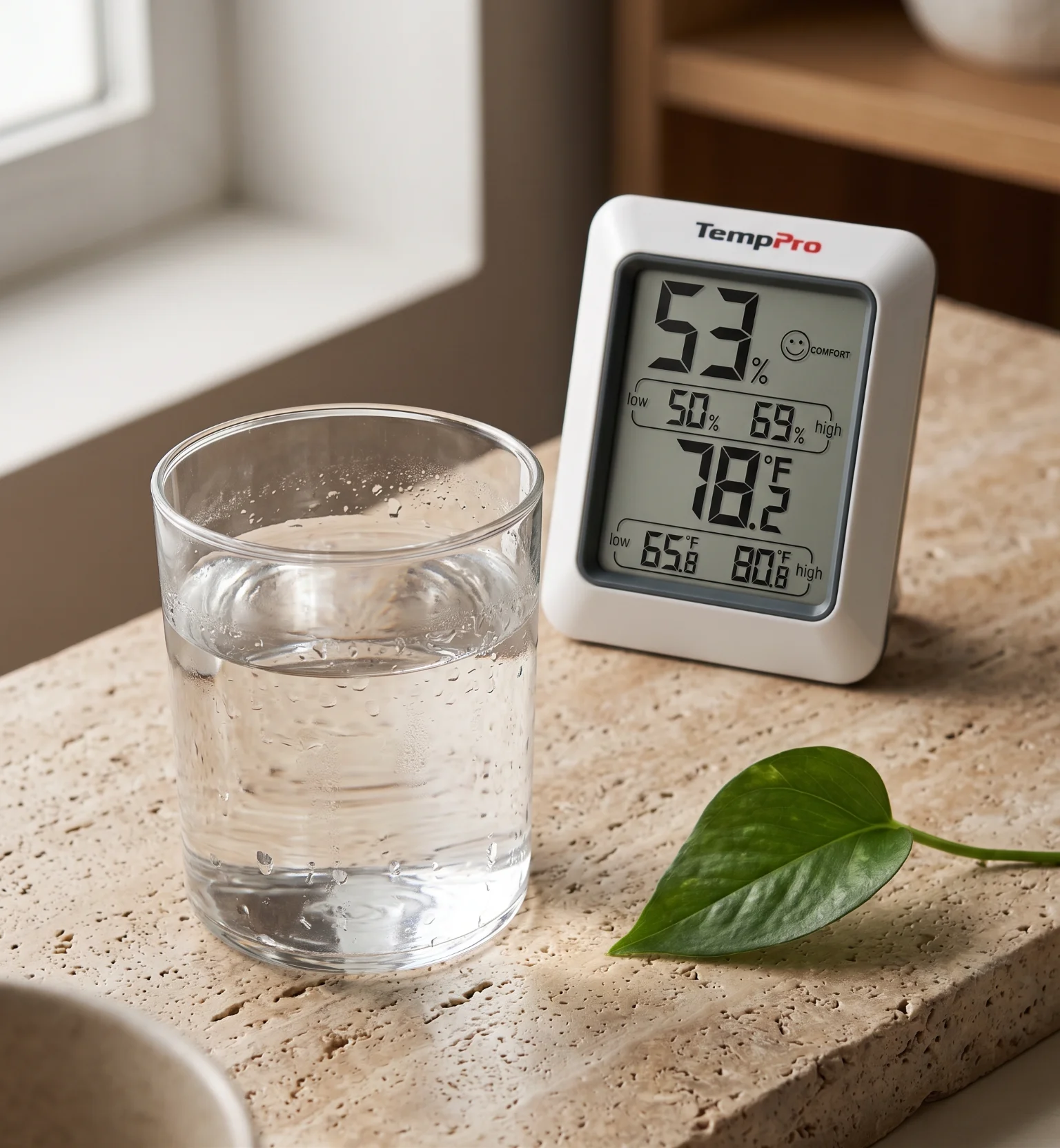
Temperature and humidity read better together. The same number of degrees doesn't feel the same in dry air as in humid air. A monitor that shows both at once says more than either one alone.
Seeing, not logging
There is a difference between seeing a value and recording it. A connected sensor keeps a curve you can review later; a display monitor gives you the value of the moment, each time you look up. You don't always need the curve. To know how the room is right now, seeing it at a glance is enough —and it doesn't depend on a phone being nearby or charged.
Comfort isn't a number
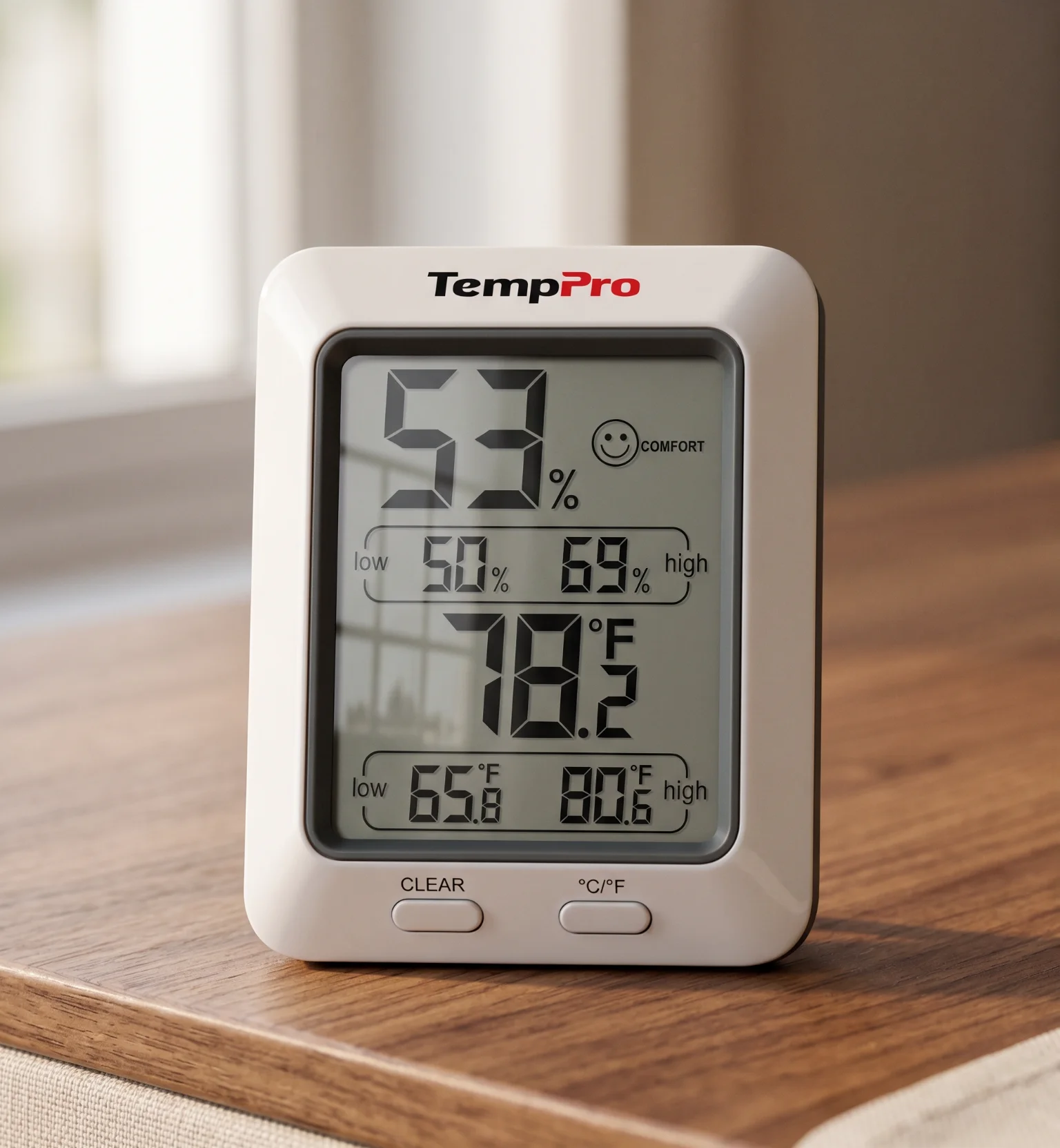
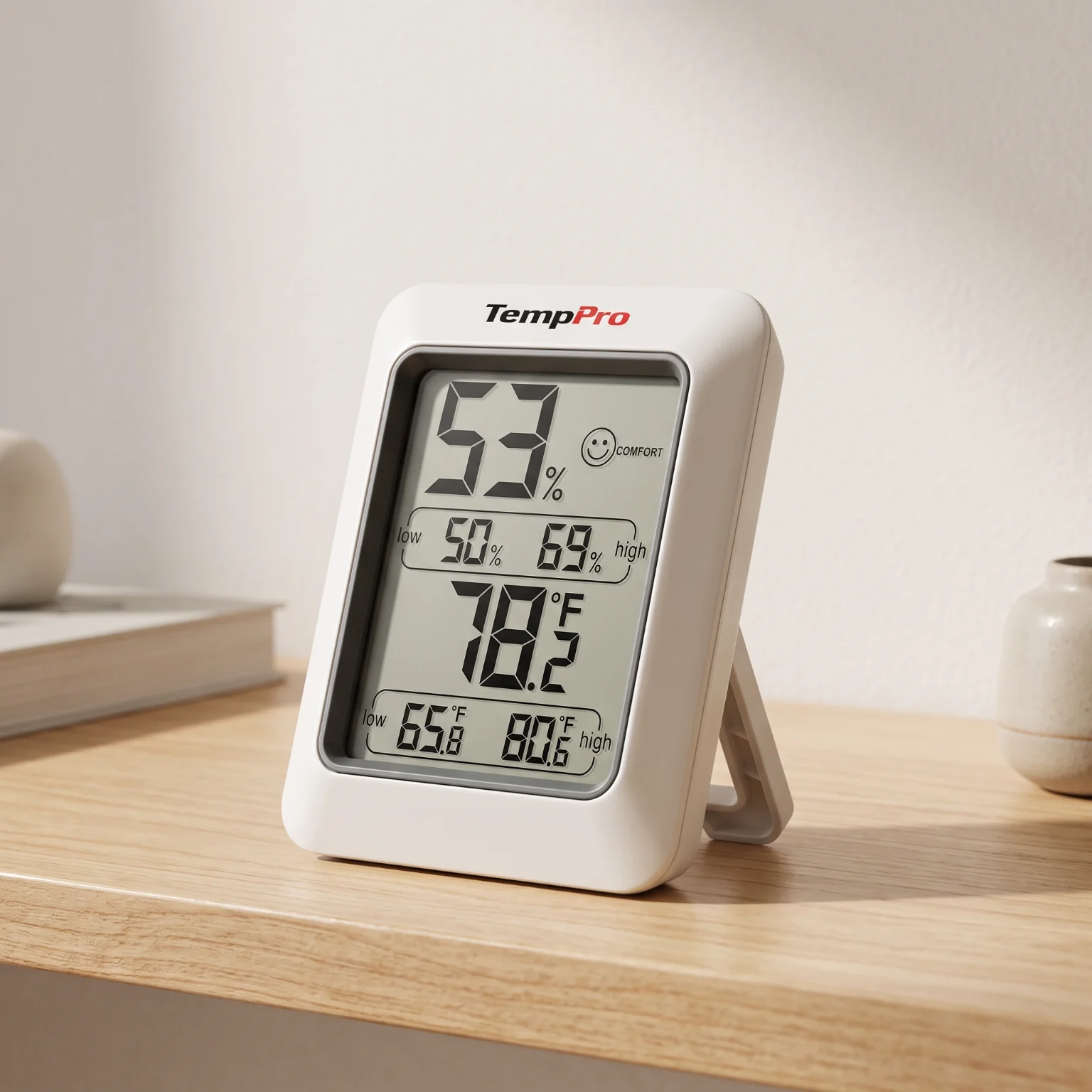
The TP50 sums up humidity in three zones —DRY, COMFORT and WET— with a small visual cue. It is guidance, not a verdict: what feels comfortable depends on the person, the activity and the season, and there is no universal number that works for everyone. The "COMFORT" band helps you place yourself, not decide for you.
Don't chase the "COMFORT" zone as an absolute target. Use it to watch your own patterns for a few days: what matters is how your space changes and how it feels, not matching a label.
ThermoPro TP50
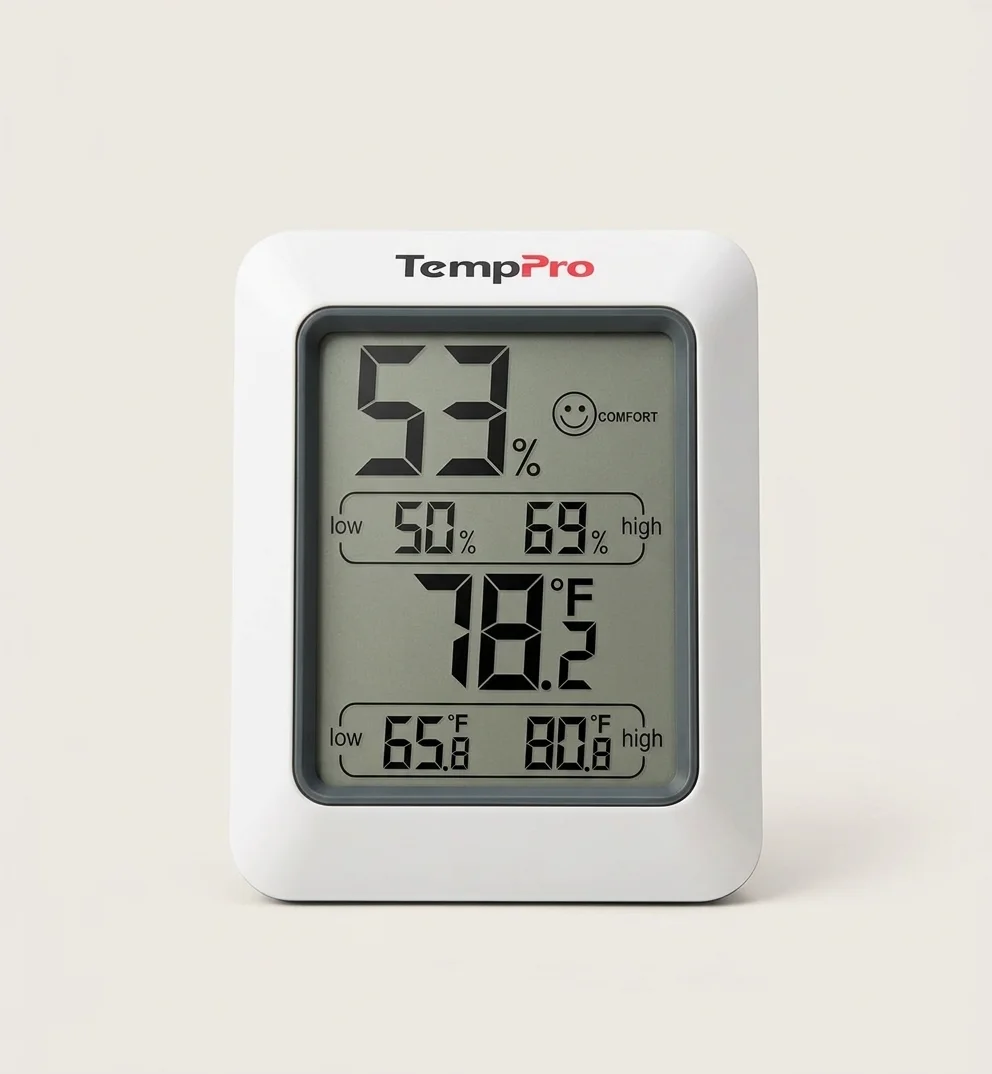
The ThermoPro TP50 measures temperature from −50 to 70 °C and relative humidity from 10 to 99 %, with 0.1° and 1 % resolution. It shows the values on a large display, lets you choose °C or °F, and sums up humidity with the DRY / COMFORT / WET indicator. It runs on a single AAA battery. It doesn't connect or keep history: it is a direct-reading monitor.
The TP50 refreshes its reading roughly every ten seconds. It isn't a continuous log: it is a snapshot of the moment that updates every so often, made to be glanced at.
Where to put it
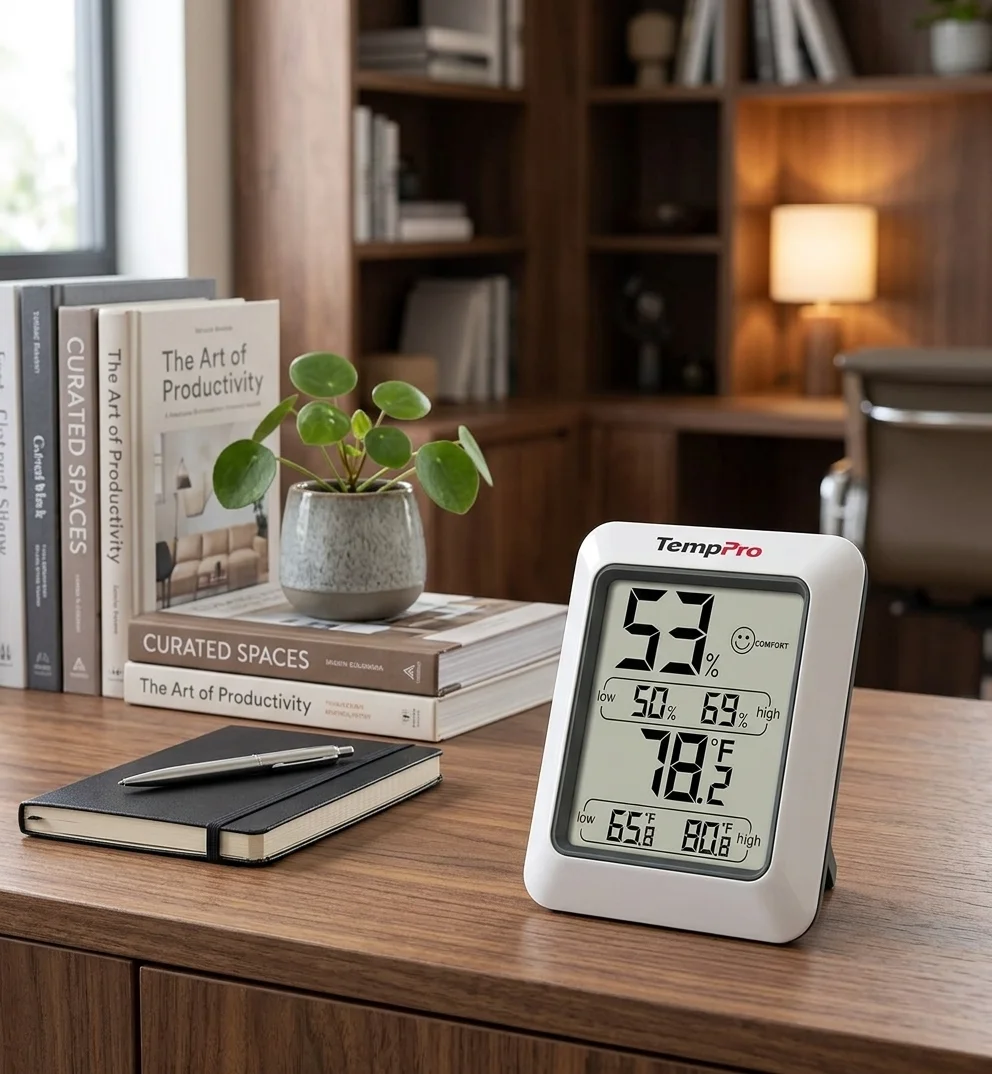
Because it is a glance monitor, placement matters: where you'll look naturally —the desk, a shelf, the kitchen table— and away from direct heat or the air vent, which skew the reading. It stands on its own support on any surface.
Its limits
The TP50 doesn't connect or keep history: if you need a series of data over time, this isn't the device. The DRY / COMFORT / WET indicator is guidance, not a universal numeric threshold, and its roughly ten-second refresh is a little slower than some other monitors. It is for seeing the climate, not for analysing it in depth.
Does it make sense for you?
It makes sense if you want a reference for the climate in plain view, with no app or setup, and the reading of the moment is enough. It makes less sense if you need history, logging or control from your phone, or laboratory accuracy.
Before buying, check that what you want matches what this monitor does.
- I want to see temperature and humidity at a glance, without opening an app.
- The reading of the moment is enough for me; I don't need history or logging.
- I understand DRY / COMFORT / WET is guidance, not a universal number.
- I'll place the monitor away from direct heat or draughts.
A direct-reading thermometer and hygrometer, no connection. Read the editorial profile and explore it in 3D.
View profile →Does the ThermoPro TP50 connect to a phone?+
No. It is a standalone, direct-reading monitor: it shows temperature and humidity on its display, with no app, no connection and no history.
What do DRY, COMFORT and WET mean?+
They are three rough zones of the humidity indicator that sum up whether the air is dry, within a comfortable band, or humid. It is a visual guide, not a universal numeric threshold.
- 1. ThermoPro — official TP50 specifications (manufacturer)