SwitchBot Bot: automating the gesture you already make
Before swapping a device for a connected version, sometimes all it takes is a small arm that presses the button it already has.
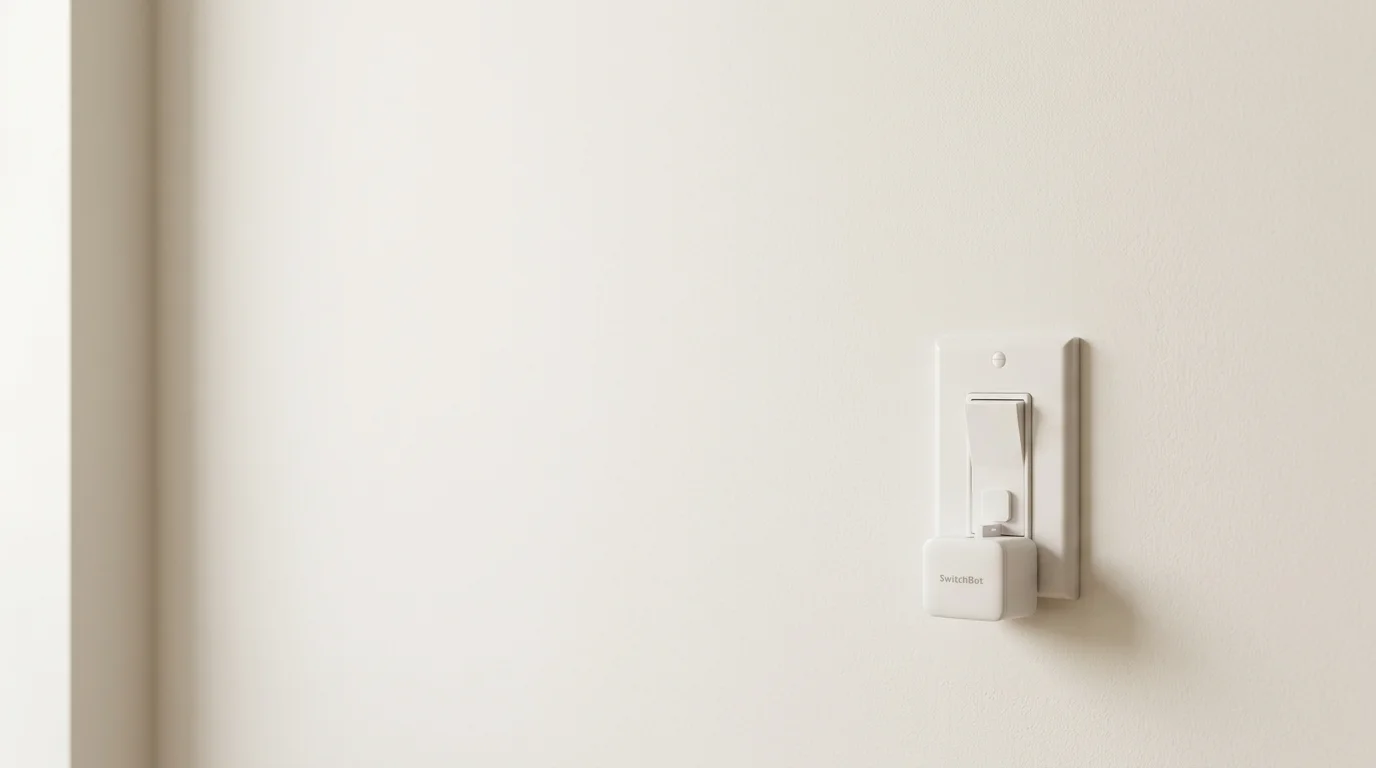
A home is full of buttons and switches we press without thinking: the hallway light, the fan, the coffee maker, the switch behind the sofa. When we talk about a "smart home", we usually picture replacing those devices with connected versions. But there is a smaller, less ambitious route: leave the device where it is and automate the gesture of pressing it. That is what this article is about.
What your home already knows how to do
Before thinking about changing anything, it's worth looking at what you already have. Most domestic devices are operated with a physical button or switch, and they work perfectly well. The problem usually isn't the device: it's that you have to be there to press it. That is the gap a small actuator can fill.
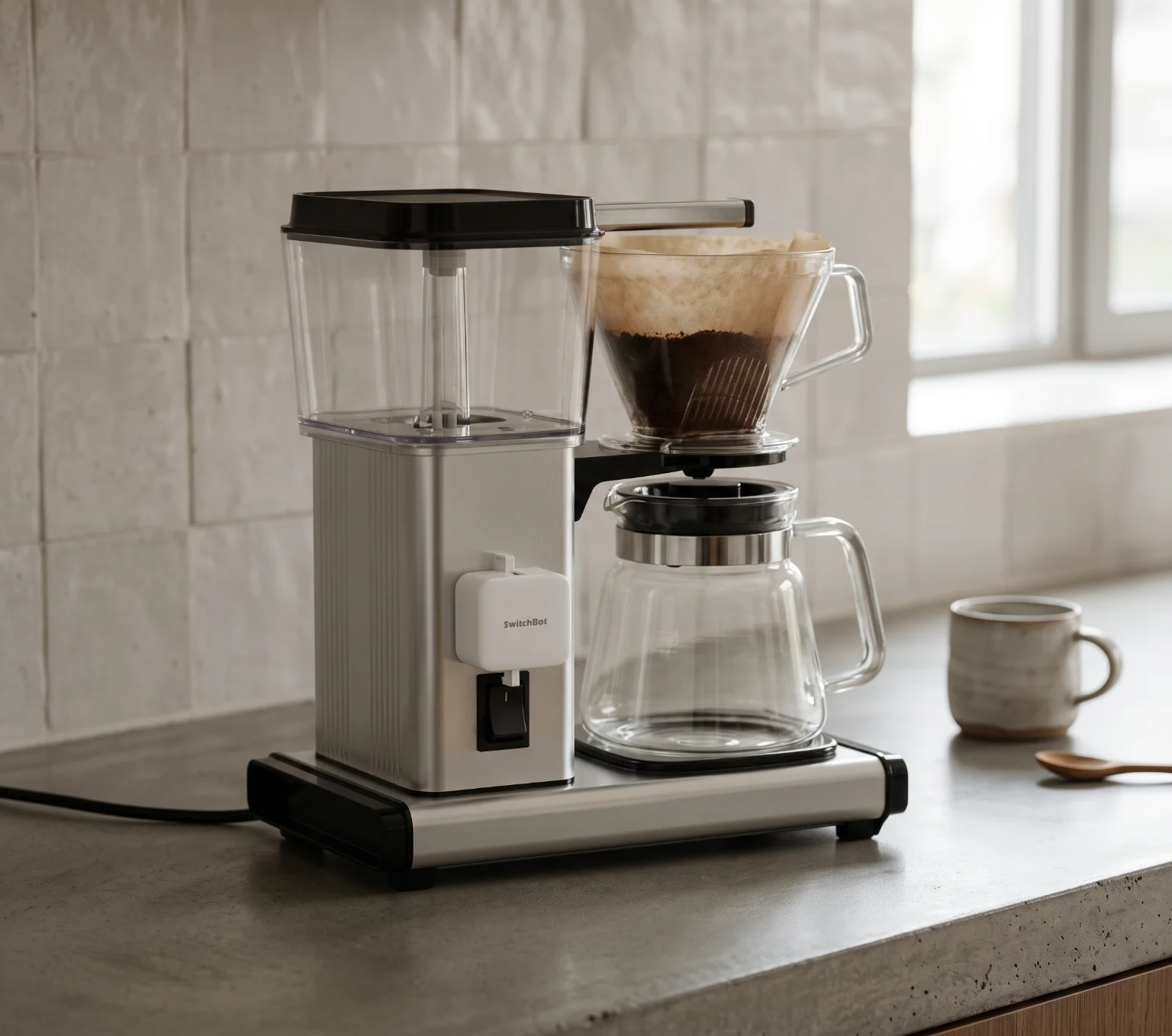
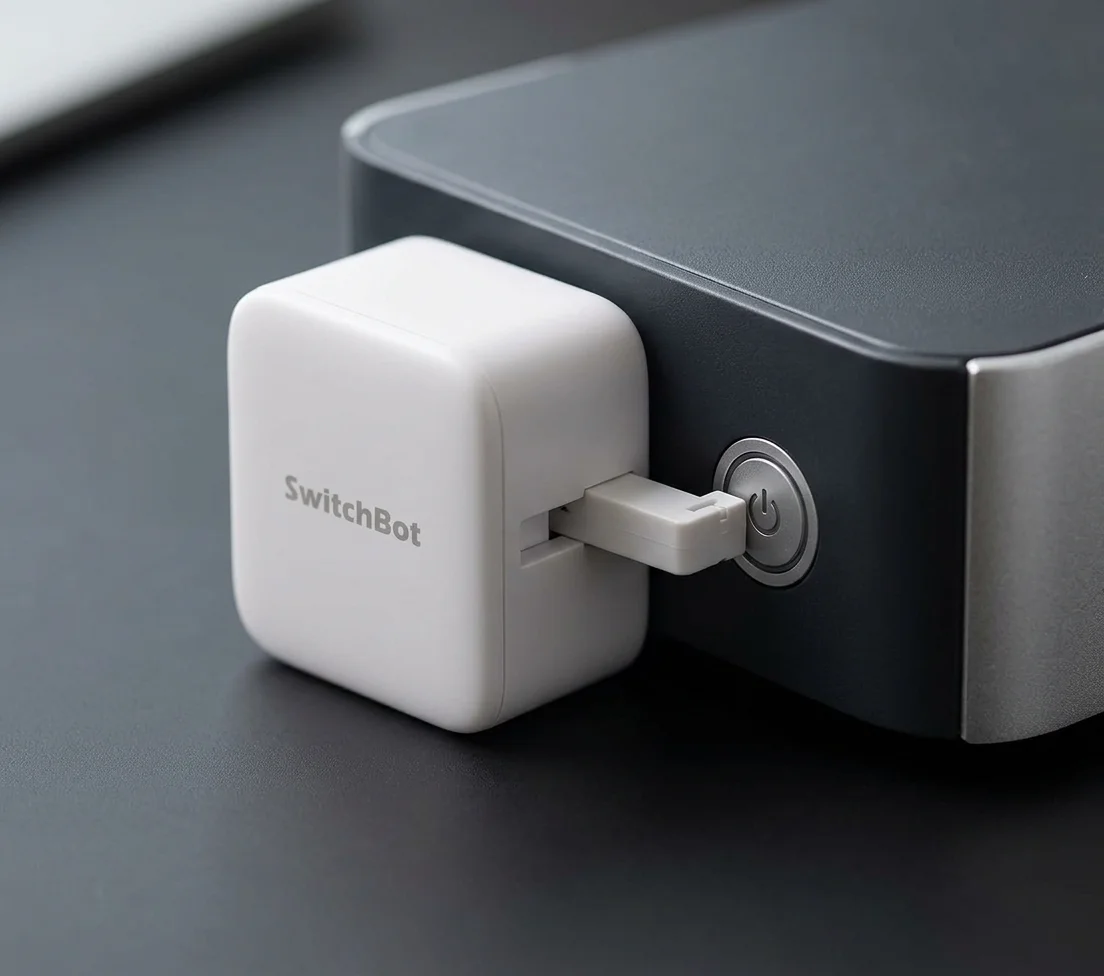
Automating isn't the same as replacing. Replacing swaps the device for another; automating keeps the device and adds a way to operate it without being there. The SwitchBot Bot belongs to the second category: it doesn't replace the button, it presses it.
The gesture we repeat
It's worth noticing which gestures you repeat each day at home. Switching on a lamp when you arrive, turning something off when you leave, pressing the same switch at the same hour. Not all of them deserve to be automated, but some —the repetitive, the awkward, the easily forgotten— are exactly the ones an actuator can take on.
Automating without replacing
The advantage of operating rather than replacing is reversibility. The Bot sticks on next to the button; if it doesn't work as you hoped, you remove it and everything is as it was. No work, no rewiring, no new device to learn. It is a small, no-commitment intervention that fits the idea of trying before deciding.
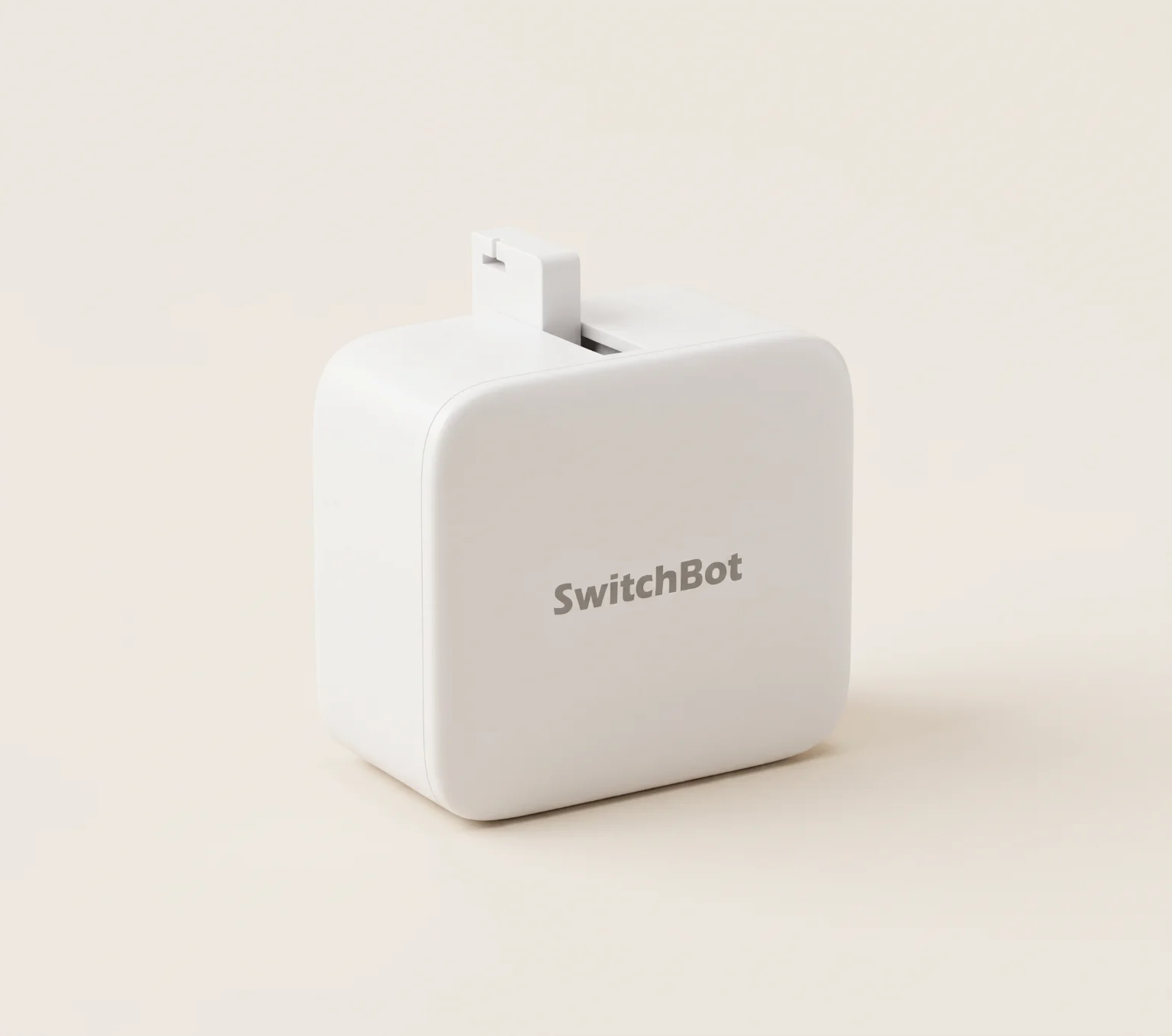
SwitchBot Bot
The SwitchBot Bot is a compact body —43 × 37 × 24 mm and 42 g, in ABS— with an arm that extends to press a button or flip a switch. It runs on a CR2 3 V battery and communicates over Bluetooth Low Energy 4.2 or later, with an ideal range of up to 80 m. It replaces nothing: it sits on what you already have and operates it for you.
The Bot's arm travels up to 120° and applies a pressing force of up to 8 N, with torque of up to 1.15 kgf. These are bounded figures: enough for many buttons, but not for all.
Without a Hub / With a Hub
As with other devices in the ecosystem, it helps to tell apart what it does on its own from what needs company.
Its limits
The Bot presses with up to 8 N and its arm travels up to 120°: enough for many buttons and switches, but a very stiff button or one with unusual travel may fall outside its reach. The 80 m range is under ideal conditions, much less between walls. It's worth checking the specific button before relying on it.

Does it make sense for you?
It makes sense if you have a repeated gesture on an accessible button and prefer not to replace the device. It makes less sense if you expect remote control without adding a Hub, or if the button needs more force than the Bot offers.
Before buying, check that the gesture you want to automate fits what the Bot can do.
- I have an accessible button or switch that I operate often.
- The button presses within the Bot's force (up to 8 N).
- Triggering it over Bluetooth is enough, or I'm willing to add a Hub for remote control.
- I'd rather operate the device I already have than replace it.
An actuator that presses physical buttons and switches. Read the editorial profile and explore it in 3D.
View profile →Do I need a Hub to use the SwitchBot Bot?+
To trigger it over Bluetooth while nearby and schedule it from the app within that range, no. For remote control and automations at a distance, yes: they require a Hub from the SwitchBot series.
Does it work on any button?+
Not on all. The Bot presses with up to 8 N and its arm travels up to 120°, enough for many buttons and switches, but a very stiff button or one with unusual travel may fall outside its reach.
- 1. SwitchBot — official Bot specifications (manufacturer)